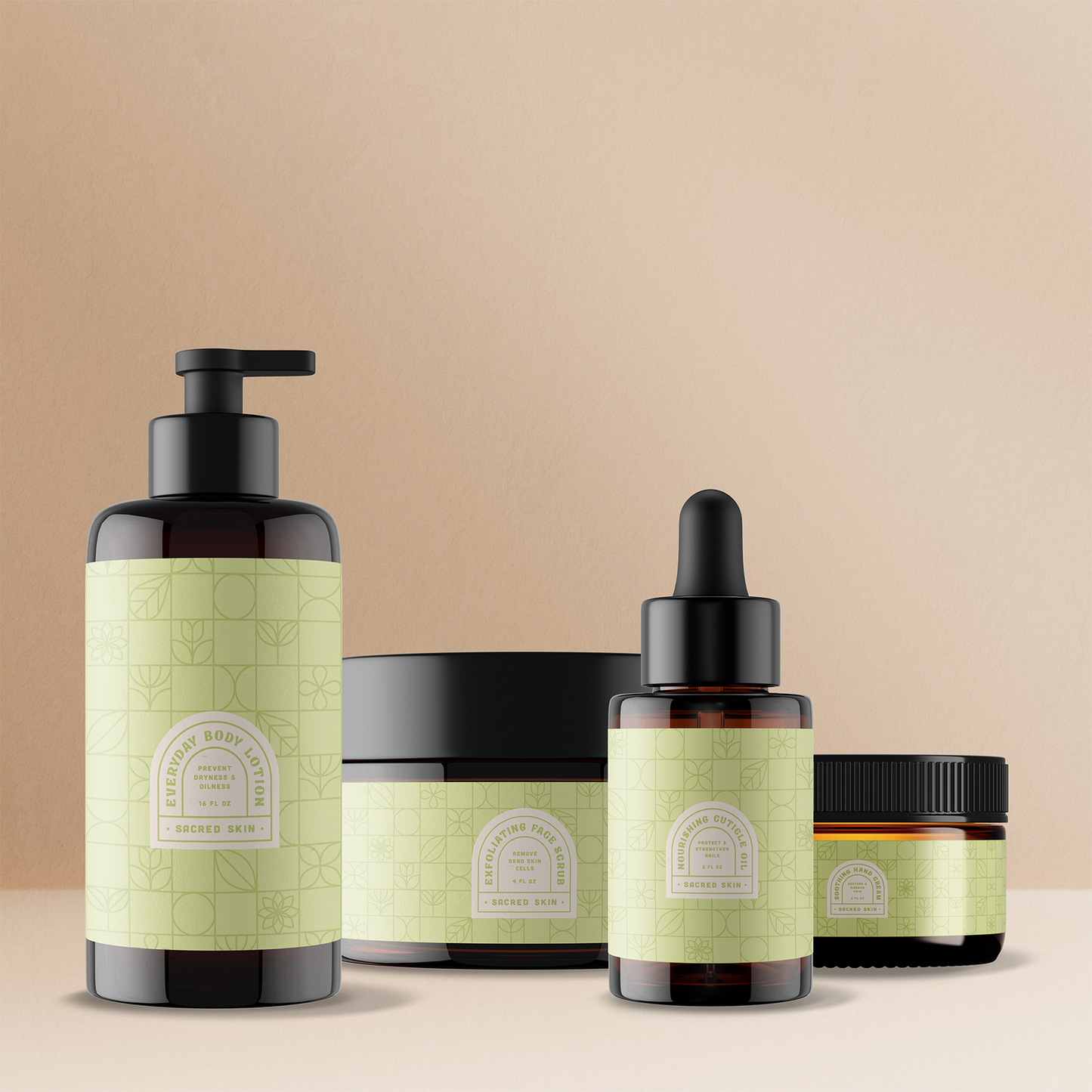
Invite customers to add multiple products to their cart with a single button!
Dynamic bundle widgets are a great way to offer related products together. Display the featured product with 1-3 additional products as a bundle. Use Rebuy's discounting to incentivize customers to purchase bundle products together through this widget.
Compact bundles can be placed near the main add to cart button. Or full width bundles can be a new element on your product pages.
PLUS BUNDLE
Bundle product images separated by plus icons. Product details below add to cart button.
GRID BUNDLE
Full width bundle layout displays products in grid layout on desktop screens. Standard layout on mobile screens.
STRETCHED BUNDLE
Full width bundle layout displays product images on the left with add to cart button and subtotal on the right. Large round checkboxes. Mobile display shows add to cart button below product images.
Full width bundle layout displays products in Grid style on desktop screens. Mobile layout displays individual products in outlined bubbles. This widget uses larger, button style checkboxes.
CUSTOM BUNDLE: Outlined Images
Wide format bundle widget. Outlined images indicate selected bundle products. Standard layout on mobile screens.
Choosing a selection results in a full page refresh.